
Activity Relationships
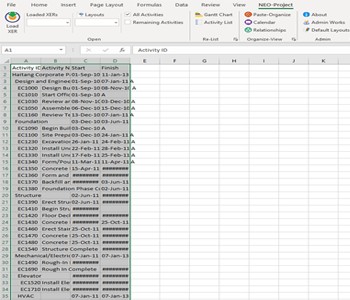
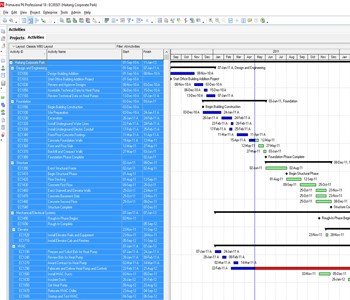
Reviewing schedule logic from an XER file or PDF printout can be frustrating and time-consuming. Interpreting activity relationships based solely on columns is often confusing and inefficient.
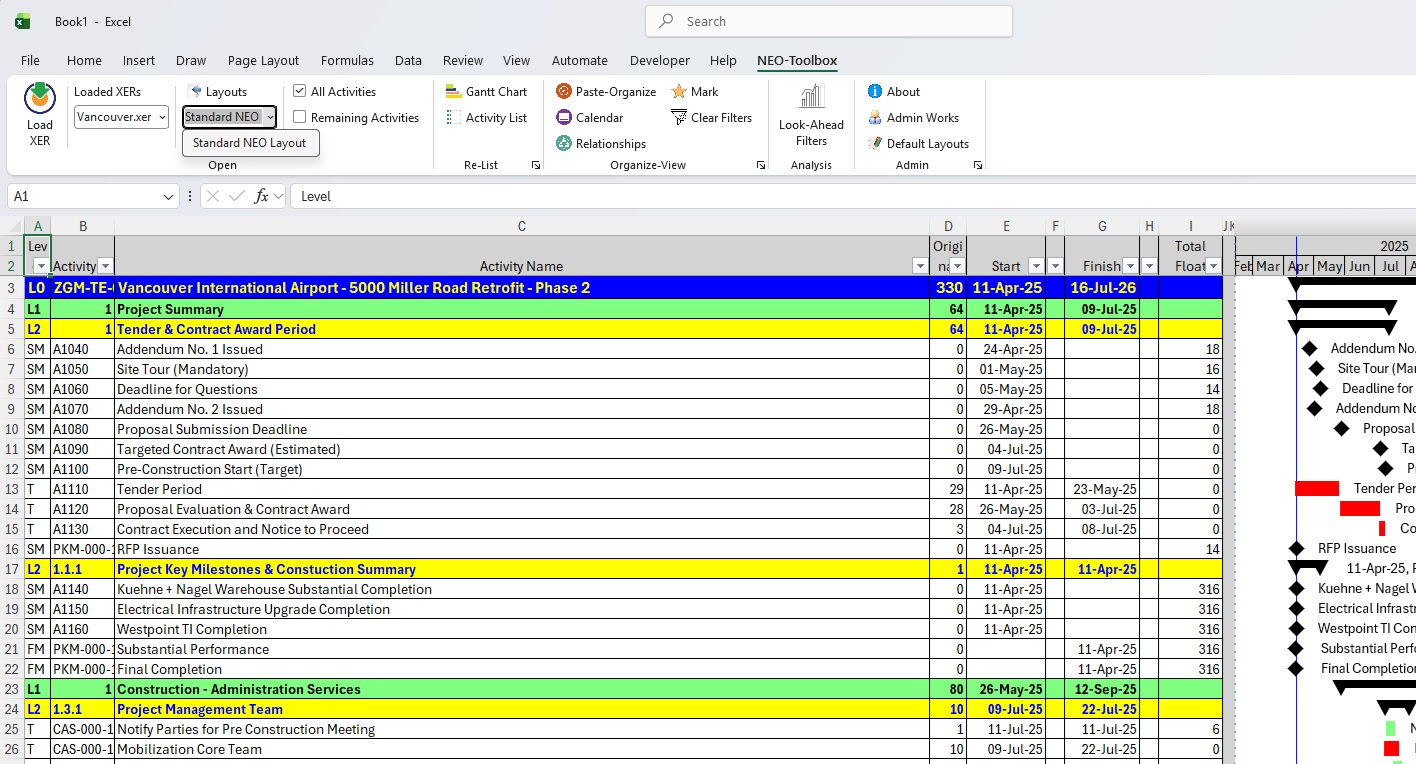
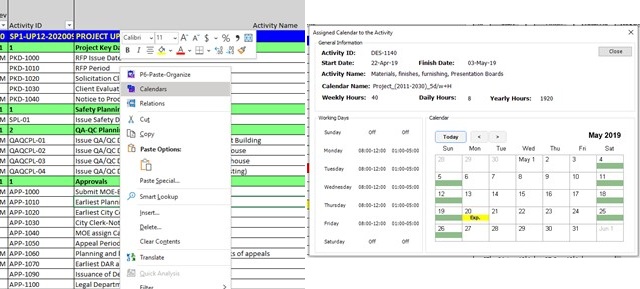
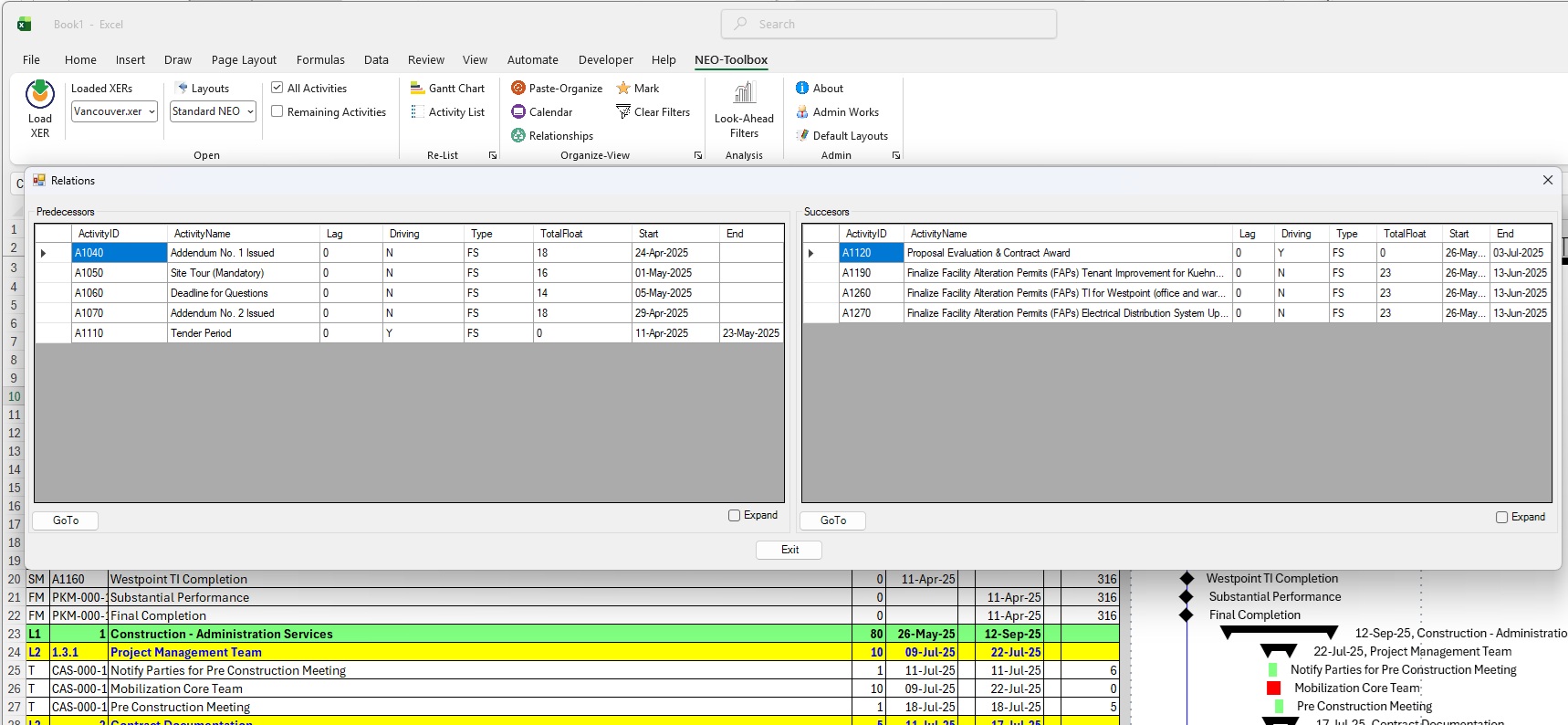
With the NEO-Project Toolbox, schedule logic becomes easy to navigate. Simply right-click on any activity and select “Relationships” from the popup or the NEO-Project menu.
No more scrolling through the activity list to find a predecessor or successor. Just click “GoTo” and jump directly to the related activity.